








| Quick Answer |
| Start with one general AI assistant (ChatGPT or Claude, about $20 a month) and one tool for your biggest bottleneck: Surfer or Semrush for SEO, Canva or Runway for visuals, ActiveCampaign or HubSpot for email and CRM. A solo marketer can run a useful stack for about $35 a month; a three-person team lands near $170. Prices below come from November 2026 sources where possible, and they can change. |
AI tools for marketing now cover almost every job: drafting copy, researching keywords, making images and video, scheduling posts, and routing leads. The hard part isn’t finding tools. It’s avoiding five overlapping subscriptions that each do a bit of the same thing.
This guide sorts 15 tools by the job they do, says what each one is weak at, lists what each free plan actually allows, and costs out three sample stacks. It also covers the advertising and copyright rules that apply when AI writes your marketing.
How this list was built: tools were chosen to cover each marketing job once, not ranked against each other. Prices come from dated third-party pages and, for three tools, from Zapier’s published guide, and none of the tools was hands-on tested for this article.
Table of Contents
What AI Marketing Tools Do, and What They Don’t

An AI marketing tool is any software that uses machine learning or a large language model to do part of a marketing task. In practice, that means five jobs:
- Creating: drafts of copy, images, video, voiceovers, and slides.
- Researching: summarizing sources, clustering keywords, checking what competitors publish.
- Optimizing: scoring content against search results, suggesting edits, tracking whether AI answers mention your brand.
- Distributing: scheduling posts, writing email sequences, choosing send times.
- Connecting: moving data between apps and triggering actions without manual work.
What they don’t do is decide your positioning, know your customers, or check their own facts. A model can produce a confident paragraph with a wrong number in it, so every tool below needs a person reviewing the output before it goes live.
The 15 Tools at a Glance
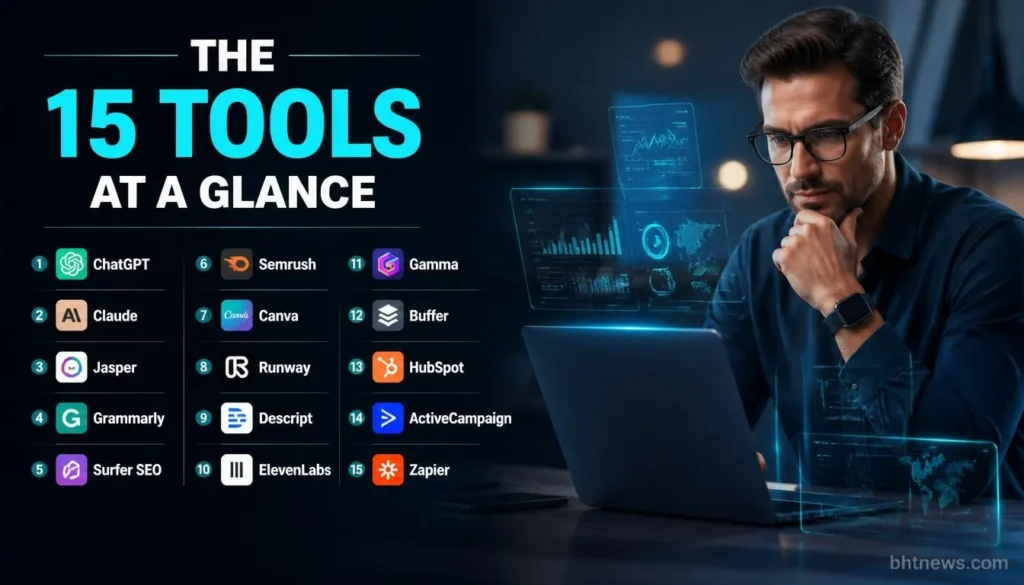
| Tool | Best For | Entry Price (USD) | Free Option |
| ChatGPT | General drafting, research, images | Go $5.50; Plus $20; Business $25 per user | Yes, capped |
| Claude | Long-form writing, analysis | Pro $20 monthly ($17 annually); Team Standard $25 per seat | Yes |
| Jasper | Brand-voice copy for teams | Pro $69 monthly ($59 annually), one seat | No; 7-day trial |
| Grammarly | Editing and style | From $12 a month annually | Yes |
| Surfer SEO | Content optimization | Discovery $59 monthly ($49 annually) | No clear free plan |
| Semrush | SEO and competitor research | Semrush One Starter $199 monthly ($165.17 annually) | Not verified |
| Canva | Graphics and templates | Pro $18 monthly ($15 annually) | Yes |
| Runway | AI video generation | Standard $15 monthly ($12 annually) | 125 one-time credits |
| Descript | Video and podcast editing | Hobbyist $24 monthly ($16 annually) | Yes |
| ElevenLabs | AI voiceovers | From $5 a month annually | About 10 minutes a month |
| Gamma | Presentations | From $9 per user annually | 400 AI credits |
| Buffer | Social scheduling | Essentials $6 per channel monthly ($5 annually) | Yes, 3 channels |
| HubSpot | CRM and marketing | Starter from about $15 to $20 per seat | Free CRM |
| ActiveCampaign | Email automation | Starter $19 monthly ($15 annually), 1,000 contacts | No; 14-day trial |
| Zapier | Connecting apps | Professional $19.99 annually ($29.99 monthly) | 100 tasks a month |
Grammarly, ElevenLabs, and Gamma prices come from Zapier’s guide, not from a separate check. Whether Semrush offers a free account wasn’t verified.
AI Assistants and Writing Tools
1. ChatGPT: The General-Purpose Starting Point
ChatGPT handles most first-draft work: ad variations, outlines, product descriptions, research summaries, and image generation. Many teams already have it, so onboarding is usually easy. Its weakness is sameness. Without examples of your voice, drafts drift toward generic copy, and you must check any statistic it produces.
Price: Free (capped); Go $5.50 a month; Plus $20; Business $25 per user monthly or $20 annually with a two-seat minimum, per a Krater review checked October 3, 2026. Krater sells a competing product. Zapier’s guide lists Go at $8, so confirm the price in your country.
2. Claude: Strong For Long Documents and Careful Editing
Claude is useful when the source material is long: a brand guide, a transcript, a competitor’s whitepaper. It’s also commonly used to rewrite and tighten drafts. Like ChatGPT, it can state wrong facts with confidence.
Price: Free; Pro $20 monthly or $17 a month annually; Team Standard $25 per seat monthly or $20 annually; Max tiers at $100 and $200, per an eesel review dated April 30, 2026.
3. Jasper: Brand-Voice Copy For Teams
Jasper is built for marketing teams that want consistent voice. You can build a Brand Voice from up to eight examples and reuse it. Limits matter here: the Pro plan allows two Brand Voices and five knowledge assets, and one seat. A second user means a custom Business quote.
Price: Pro $69 monthly or $59 annually per seat; Business is custom. There’s no free tier, but a 7-day trial, per SaaS CRM Review (checked August 12, 2026).
4. Grammarly: Editing and Consistency
Grammarly catches grammar and tone problems and can enforce a style guide. It’s an editor, not a writer, so it pairs with the tools above. The free plan covers basic checks.
Price: free plan; paid from $12 a month billed annually, per Zapier’s guide.
For a closer look at blog-focused writing tools, see our guide to the best AI tools for writing blog posts.
SEO and Content Optimization Tools
5. Surfer SEO: Scoring Content Against Search Results
Surfer compares your draft with pages that already rank and suggests terms and structure. It helps when you already know what to write. It doesn’t replace judging search intent yourself, and chasing a score can push writers toward stuffed copy.
Price: Discovery $59 monthly or $49 annually (120 documents, one seat); Standard $119 or $99; Pro $219 or $182. A Costbench page, last verified July 12, 2026, is internally inconsistent about trials and add-on prices, so check Surfer’s own page.
6. Semrush: Research, Competitors and AI Visibility
Semrush covers keyword research, competitor analysis and site audits. Its AI Visibility Toolkit tracks whether AI answers mention your brand, a newer need for marketing teams. The suite is broad, so a small team may pay for more than it uses.
Price: Semrush One Starter $199 monthly or $165.17 annually, per a eesel review from January 2026. The AI Visibility Toolkit starts at $99 a month on its own. Zapier’s guide lists classic Pro plans from $117 a month annually, so sources conflict; confirm before buying.
Design, Video and Audio Tools
7. Canva: Graphics, Templates and Quick Edits
Canva is where many marketers make social graphics, decks and ads. Its AI features share a monthly credit pool: 50 on Free and 500 on Pro, per a Piktochart guide. You can’t buy credits individually, so heavy image work can run out mid-month.
Price: Free; Pro $18 monthly or $180 yearly; Business $25 per person monthly. The older Teams plan is no longer sold.
8. Runway: AI Video Generation
Runway generates video clips from text and images, which suits short ads and social content. Credits are the limit: Standard gives 625 a month, and they don’t roll over. Commercial rights are included only on Pro and Unlimited, so check the license before using outputs from a lower plan in paid ads.
Price: Free (125 one-time credits); Standard $15 monthly or $12 annually; Pro $35 or $28; Unlimited $95 or $76, per Costbench (verified April 24, 2026).
If video is your main need, our guide to the best AI video generators goes deeper than one entry can.
9. Descript: Editing Video and Audio By Editing Text
Descript transcribes your recording and lets you cut it by editing the text. It suits webinars, podcasts, and talking-head videos. Per-seat billing adds up for teams, and AI credits are metered separately from media hours.
Price: Free (60 minutes, watermarked); Hobbyist $24 monthly or $16 annually; Creator $35 or $24; Business $65 or $50, per Castmagic (prices verified August 20, 2026).
10. ElevenLabs: AI Voiceovers
ElevenLabs turns text into speech for explainer videos and audio ads. Disclose synthetic voices where it matters to your audience, and don’t clone a real person’s voice without permission.
Price: free plan with about 10 minutes of audio a month; paid from $5 a month billed annually, per Zapier’s guide.
11. Gamma: Presentations From a Prompt
Gamma builds slide decks and one-pagers from a prompt or document, which is handy for pitches and client reports. Generated slides still need fact-checking and your own design edits.
Price: free plan with 400 AI credits; paid from $9 per user a month annually, per Zapier’s guide.
Social, Email and CRM Tools
12. Buffer: Scheduling With an AI Assistant
Buffer schedules posts across channels and offers an AI assistant for drafting. It’s simple, which is its strength and its limit: it doesn’t do deep analytics or approval workflows on the free plan.
Price: Free (3 channels, 10 queued posts per channel); Essentials $6 per channel monthly or $5 annually; Team $12 or $10 per NapoleonCat (August 2026). The page doesn’t say whether Essentials includes the same AI assistant as Free.
13. HubSpot: CRM with AI Features Across Sales and Marketing
HubSpot’s free CRM is a common starting point for small teams that want contacts, deals, and email in one place. The cost grows as you add marketing and sales tiers. Free limits are 2 users and 1,000 contacts on accounts created after September 2024, per a May 2026 review.
Price: Free CRM; Starter Customer Platform about $15 to $20 per seat, per Agiled. Zapier’s guide lists paid CRM plans from $45 per user, so quotes vary by bundle. Get one in writing.
14. ActiveCampaign: Email Automation Based on Behavior
ActiveCampaign suits email programs that trigger on actions, such as a download or a cart abandonment. Price depends on contact count, and CRM, SMS, and WhatsApp are paid add-ons.
Price at 1,000 contacts: Starter $19 monthly or $15 annually; Plus $59 or $49; Professional $99 or $79. No free plan, but a 14-day trial, per Automation Atlas (July 2026).
Workflow Automation
15. Zapier: Connecting Your Tools
Zapier moves data between apps: a form entry becomes a CRM contact, a Slack alert, and a spreadsheet row. It’s also how you add AI steps to existing processes. The free plan is two-step only, and paid plans are priced by monthly tasks, so costs rise with volume.
Price: Free (100 tasks a month); Professional from $19.99 annually or $29.99 monthly, per Jet Admin (September 26, 2026).
If automation is your main question, our guide to AI implementation in business covers planning before you build.
Read How Can a Small Business Use AI to Cut Costs? (Examples & ROI)
Free AI Tools For Marketing
You can run a basic marketing setup at no cost, within limits. Here’s what the free plans allow, per the sources above:
- ChatGPT and Claude: free tiers with capped usage; fine for occasional drafts.
- Canva: free plan with 50 AI credits a month.
- Buffer: 3 channels and 10 queued posts per channel.
- HubSpot: free CRM for up to 2 users and 1,000 contacts on newer accounts.
- Zapier: 100 tasks a month, two-step workflows only.
- Descript: 60 minutes of transcription, with a watermarked 720p export.
- Runway: 125 one-time credits that don’t renew.
That’s enough to test an idea, and for a very small business it may be enough to run. Free tiers usually cap exports, credits, or users, which is where upgrades start.
For more options on the video side, see free AI tools for video creation.
What a Marketing AI Stack Costs
Three hypothetical stacks, using list prices above. They mix billing types and ignore taxes, overage credits, and add-ons, so treat them as estimates, not quotes.
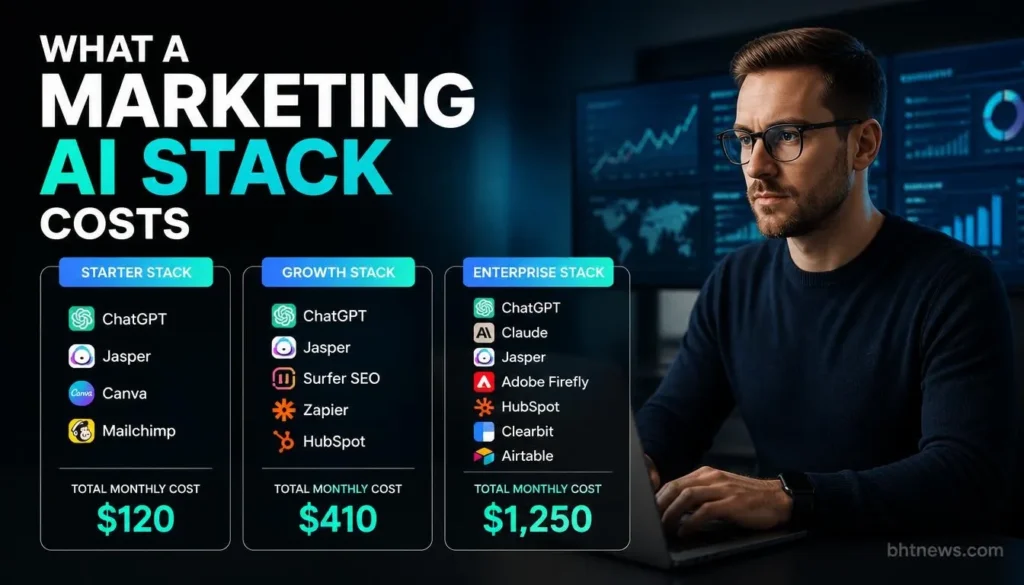
| Stack | What’s in it | Monthly total |
| Solo Marketer | ChatGPT Plus $20 + Canva Pro $15 (annual rate) + Buffer free | $35 |
| Three-Person Small Business | ChatGPT Business 3 x $20 = $60; Canva Business 3 x $25 = $75; Buffer Essentials 4 channels x $5 = $20; ActiveCampaign Starter $15 | $170 |
| Content and SEO Team | Jasper Pro $59 + Surfer Standard $99 + Semrush One Starter $165.17 | $323.17 |
The small business stack uses annual rates for ChatGPT, Buffer and ActiveCampaign, and Canva’s monthly Business price. Canva’s yearly price of $250 per person would cut that line from $75 to about $62.50. The content team stack doesn’t include a general assistant because Jasper covers drafting, though many teams would add one. Overlap is the main waste: if ChatGPT and Jasper both draft your copy, pick one.
If you’re planning a wider small-business marketing budget, our small business digital marketing guide is a good companion.
Using AI in Marketing Without Legal or Brand Trouble
This isn’t legal advice, but four rules come up often.
- Back up claims. The FTC has told marketers to avoid false or unsubstantiated claims about AI-powered products, including overstating what the AI can do and claiming it beats non-AI alternatives without proof. That guidance dates from February 2023.
- Don’t fake reviews. The FTC announced a final rule on fake reviews and testimonials (16 CFR Part 465) on August 14, 2024, and coverage of it highlights AI-generated fake reviews. Don’t use AI to invent customer reviews or testimonials.
- Know who owns the output. The US Copyright Office’s January 29, 2025 report says prompts alone don’t make a user the author of AI output, while humans can claim copyright in their own contributions and creative arrangement. Purely AI-generated material isn’t protected, so don’t assume your AI-made logo or slogan is yours to defend.
- Protect customer data. Don’t paste personal data, contracts, or confidential figures into a tool unless your plan’s terms say how it’s stored and used. Read the data terms for each vendor.
Add a human review step for facts, names, prices, and claims, and disclose AI use where the audience would reasonably want to know, such as chatbots, synthetic voices, and AI-generated spokespeople.
How to Test a Tool Before You Pay
Zapier’s own research warns that overlapping tools are a barrier to value. A short test keeps that from happening to you.
- Pick one task that costs you the most time, such as turning a webinar into five posts.
- Time the task by hand once, then do it in the tool’s free plan or trial.
- Check the output for errors, tone, and anything you’d have to rewrite.
- Compare time saved, after editing, with the price and the plan’s limits.
- Cancel anything that overlaps a tool you already pay for.
- Review the stack every quarter, because prices and plans change.
Conclusion
The best AI tools for marketing are the ones that remove a task you actually do, at a price you can justify after editing time. Start with a general assistant and one specialist tool, keep a human review step on every output, and check prices and plan limits before committing. Notice how often the limit, not the headline price, decides the real cost.
Your next step: choose the task that costs you the most time this month, run it through a free plan or trial from the list, and compare the edited result with your usual process. For more AI and business guides, browse BHTNews.
This article is general information, not legal or financial advice. Prices and plans change often, so confirm each figure on the vendor’s page before you buy.
Frequently Asked Questions (FAQs)
Which AI tools are best for marketing?
It depends on the job. A general assistant like ChatGPT or Claude handles drafting and research, Surfer or Semrush handles SEO, Canva or Runway handles visuals, and ActiveCampaign or HubSpot handles email and CRM. Pick the one that fixes your biggest bottleneck first.
What can I use AI for in marketing?
The common uses are drafting copy, researching keywords and competitors, creating images, video and voiceovers, scheduling posts, writing email sequences, and connecting apps through automation. Each output still needs a person to check facts, tone, and claims.
Can I make $1,000 a day using AI?
No source reviewed for this article supports a guaranteed income figure from AI tools. Results depend on your skills, audience, and offer, and promises of fixed daily income are a common red flag. The FTC has warned marketers against unsubstantiated claims about AI.
What are the 5 most popular AI tools?
The sources reviewed don’t give a reliable usage ranking, so this article doesn’t name five. ChatGPT, Claude, and Canva appear in the lists reviewed, but popularity varies by country and role.
Are there free AI tools for marketing?
Yes. ChatGPT, Claude, Canva, Buffer, Descript, HubSpot’s CRM, and Zapier all have free plans, each capped on credits, users, channels, or tasks. Test your real workload on the free plan before you build a process around it.
Do I need to disclose AI-made marketing content?
There’s no single rule that covers every case. The FTC expects honest claims and clear disclosure of material connections, and says to disclose AI use where consumers wouldn’t otherwise recognize it, such as chatbots or AI-generated people. Ask a lawyer for anything high-stakes.