












Here’s something a lot of freelancers and agencies overlook: the easiest clients out there aren’t the ones with fancy websites, busy social media pages, or big marketing teams.
The real quick wins are small businesses nobody’s paying much attention to online. They have none of that, and the ones without a website are sitting right in front of you; they just need someone to find them.
Honestly, finding these businesses for cold outreach takes less time than you’d think. All you need is Google Maps, a few local directory sites, and a little common sense. Once you know where to look, you can often pull together a list of solid leads in about an hour.
Here’s how you do it step by step.
Table of Contents
Why Businesses Without a Website Are Your Best Clients
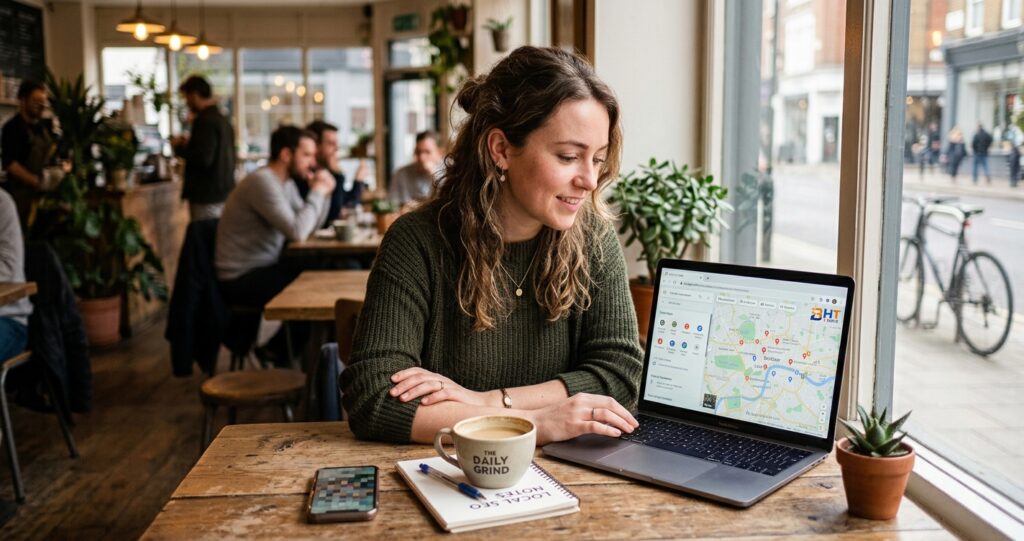
Picture a local plumber (a hypothetical example). He has been getting most of his work through word of mouth for 15 years.
He’s got a Facebook page, a decent Google listing, and a stack of business cards he hands out at the hardware store. Business is fine. But some months, a few people in his neighborhood search Google for “emergency plumber near me” and find a competitor with a website instead.
He doesn’t even know he’s losing those jobs.
That’s the situation for many businesses without a website today. They’re not avoiding the internet out of stubbornness; many just haven’t had the right person knock on their door with a compelling offer. And that person could be you.
Here’s why they’re particularly good clients to target:
- Likely less competition from other agencies, since most chase bigger accounts
- They have a clear, provable pain point you can address immediately
- The sale is usually simpler, because you’re not convincing them to switch platforms
- Many established local service businesses have budget, but haven’t been shown where to put it
According to the research on local business online stats are:
- Local Intent: About 46% of all Google searches carry local intent.
- Search Frequency: 80% to 84% of consumers search online for local businesses on a weekly or daily basis.
- Mobile Usage: 57% to 73% of local searches begin on or are performed via mobile devices.
- Decision Time: 75% of consumers decide on a local business in under 30 minutes of searching, and 28% of local searches result in a purchase within 24 hours.
- Map & Direct Contact: 15% to 20% of users start their search directly on map apps like Google Maps, and 60% of mobile users reach out directly via click-to-call or search results.
Small businesses lack a functional website or haven’t updated one in years. That’s a sizeable pool of potential clients for businesses-without-a-website outreach.
Read: Local SEO Services For Small Businesses
Where to Find Businesses Without a Website (7 Methods)
You don’t need a fancy tool to get started. Some of these methods are free and quick. Others give you scale if you need it.
1. Google Maps & Google Business Profile
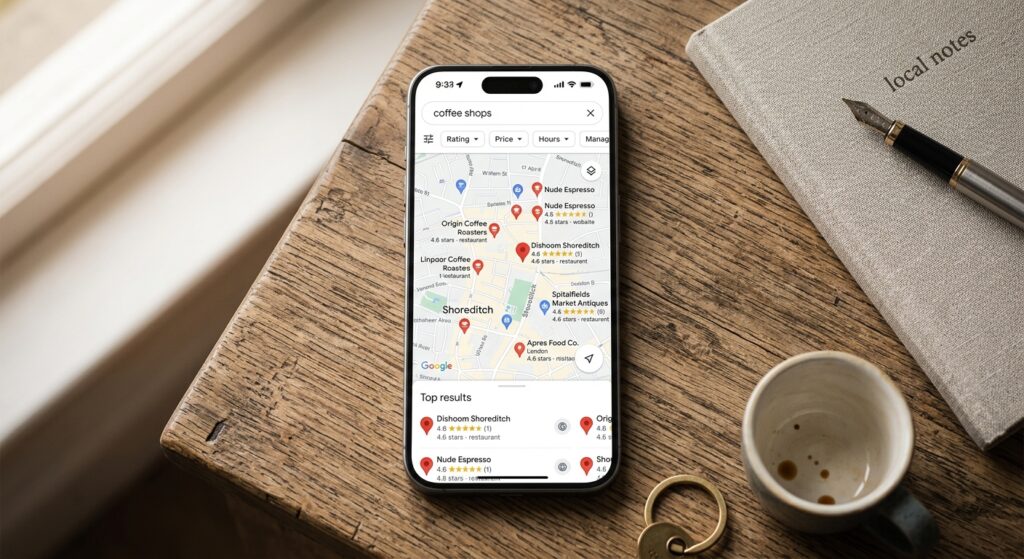
Just hop on Google Maps. Type in the kind of business you want to work with plus a city like “electricians in Tucson.” Then start clicking through the profiles. Focus on listings that look half-finished:
- No website listed (the “Website” button is missing or leads nowhere)
- Some reviews or recent activity, which suggests the business is operating, but no website
- Incomplete profiles: no hours, no photos, no description
Look for businesses with little more than a name, basic info, and maybe an old phone number: no photos, no website, no hours. Those are strong prospects. Jot down their contact info and add them to your lead list.
Pro tip: The “Open now” filter shows what’s open at the moment. Use it as a quick check that a business is operating, not as a rule to rule one out.
2. Yelp, Yellow Pages & Other Online Directories
Lots of people set up a free listing years ago and never did anything more with it. Browse your category on Yelp or Yellow Pages and look for listings with few reviews and no website link. Those businesses may not show up anywhere else online, so check each one with a quick Google search. Other directories worth checking:
- Angi (formerly Angie’s List): great for service businesses
- Houzz: home renovation and design pros, including contractors and designers
- TripAdvisor: useful for restaurants, tour operators, and hospitality
- BBB (Better Business Bureau): lists many local trades
3. Facebook & Instagram Business Pages
Not every business that uses Facebook has a website. Many micro-businesses run entirely on social: a bakery posting photos of today’s specials, a personal trainer with a page full of testimonials, a local cleaning service with 300 followers.
Search Facebook for business categories in your target city. Look for pages where the bio either has no website linked, or links to a dead URL. Same on Instagram: a “link in bio” that goes nowhere, or no link at all, is a clear indicator.
4. Local Chamber of Commerce Lists
Most city chambers publish a member directory, either on their website or downloadable as a PDF. These lists often include business name, phone number, and sometimes email, but don’t always include a website for every member.
Grab their info, quickly Google their name to double-check for a website, and if you don’t see one, add them to your list.
5. Industry-Specific Databases & Trade Associations
Many guides stop at general directories. Trade associations are another source worth checking: think landscaping, HVAC, plumbing, and construction groups. Their member directories often list businesses that are still flying under the digital radar. These directories exist to connect buyers to suppliers, not to list websites, so many members may not have one.
Examples:
- ACCA (Air Conditioning Contractors of America): local chapter directories
- NARI (National Association of the Remodeling Industry)
- Landscape Industry Certified contractor lists (NALP)
- State-level real estate agent association member pages
These are niche leads that fewer agencies are likely to target.
6. Physical Signage & Local Foot Traffic
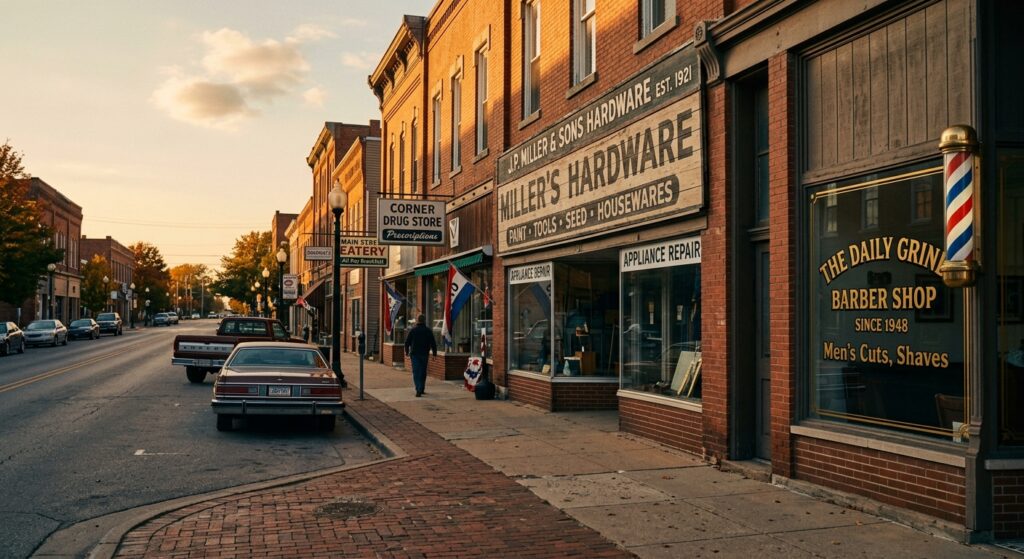
Old school, but it can work well for local trades.
Take a walk or drive through commercial strips in your area. Note businesses with signage that doesn’t mention a website.
Plumbers, electricians, landscapers, and tradespeople often advertise with a phone number only no .com, no social handle, nothing.
Write down business names and look them up. If there’s no website, that’s your foot in the door.
7. Lead Scraping Tools
If you want to do this at scale, you’ll want a tool. A few worth knowing:
- D7 Lead Finder: says it searches business directories and flags businesses with no website or a very basic one
- Hunter.io: finds contact emails once you have a domain, so it suits businesses with a basic site or a social page that links to one. For businesses with no website at all, use the phone or a direct message instead
- Outscraper: pulls Google Maps data in bulk, including the website field, so you can filter for listings where it’s empty
- BrightLocal’s Citation Tracker: shows where a business is listed and what info is missing
These tools don’t replace judgment. You still need to qualify leads manually before reaching out. But they can cut your research time significantly.
Check the rules before you collect data or contact anyone. Google, Yelp, and Facebook each have terms covering automated data collection, and in the US, commercial email falls under the CAN-SPAM Act while calls and texts fall under the TCPA. Other countries have their own rules. This is general information, not legal advice.
How to Qualify the Right Leads
Not every business on your list is worth contacting. Spending an afternoon pitching a business that’s shutting down next month, or one where the owner genuinely doesn’t want an online presence, is wasted energy.
Here’s how to quickly qualify before you reach out:
- Check Google Business Profile reviews. A business with 50+ reviews but no website is likely missing out on customers, and may already sense it
- Look at their competitors. If the top 3 Google results for their trade in their city all have websites, the no-website business is at a clear disadvantage compared with competitors that have a website working for them
- Call ahead informally. A quick “Hey, I found your business on Google Maps and had a quick question” call tells you a lot about how receptive they might be
- Look for signs of growth. Are they hiring? Expanding? Active on social? Growing businesses are more likely to invest in digital
My personal filter: I only reach out to businesses with existing Google reviews. It suggests the owner cares about their reputation and is somewhat digitally aware. That awareness makes the conversion conversation much easier.
Cold Outreach That Actually Gets Replies
You’ve got your list. Now what?
The worst thing you can do is send a generic email that says, “I noticed you don’t have a website. I build websites.
Here’s my portfolio.” That gets deleted fast.
What works instead:
- Lead with their loss, not your offer. “I searched for plumbers in [city] and your competitor’s website showed up first; yours didn’t” is more compelling than “I build affordable websites.”
- Be specific. Screenshot their missing Google website button. Screenshot their competitor’s homepage. Show the gap visually.
- Keep it short. Five sentences max for the first message. You’re not selling yet; you’re starting a conversation.
- Use the phone when possible. Many local business owners are easier to reach by phone than by email. A short, confident call beats a long email.
- Follow up. Replies often come on the second or third contact. One message and done doesn’t work.
A Simple Outreach Script
Here’s a simple script: Problem → Evidence → Offer → Ask.
“Hey [Name], I looked up [trade] in [city] and saw you’re missing from the top results because [reason]. I help businesses like yours fix that. Want to hop on a quick 10-minute call this week?”
That’s it: simple, direct, no pressure.
Start Your Outreach List Today
Really, finding these overlooked businesses isn’t rocket science. You just need to know where to dig and keep at it every week.
Google Maps, local directories, Facebook, chamber lists, trade associations: the leads are out there.
Many small business owners are likely losing customers to competitors with a stronger online presence.
You’re in the perfect spot to help them change that. Pick one city and one type of business, spend one focused hour building your lead list, then send out ten clear messages. That’s how you get started. See what happens.
The list you build this week could lead to your first conversations within days, though results depend on your offer and your follow-up.
Frequently Asked Questions
How do I know if a local business doesn’t have a website?
The fastest check is Google Maps. Search for the business type and city, click on listings, and look for the website button in their profile. If it’s missing or leads to a broken link, they likely have no working site. You can also do a quick Google search with the business name and city. If no website shows up in the first few results, that’s your answer. Facebook and Instagram pages with no external link in the bio are another clear signal.
Are businesses without a website actually good prospects for web design services?
Yes, often among the best ones. The key is choosing businesses that are already generating revenue and have clear competitors with websites. A local plumber, HVAC contractor, or restaurant with good reviews but no site is already proven in their market. Many don’t need convincing that their business is worth promoting; they just need to see the gap. That’s often an easier sale than starting from zero.
What’s the best free tool to find businesses without a website?
Google Maps is a strong free option for this. It’s widely used, frequently updated, and shows right away whether a business has a website linked. Pair it with Yelp (browse by category and city and look for listings with few reviews), and you can build a solid list of cold outreach targets in about an hour without spending a cent. Local chamber of commerce directories are also free and often overlooked.
How many businesses without a website should I contact per day?
Quality matters far more than volume here. Ten well-researched, personalized outreach messages will often outperform a hundred generic blasts. For most freelancers just starting, reaching out to 10–15 qualified businesses per day is a sustainable pace and gives you enough data to refine your pitch within the first couple of weeks. Once you have a script that’s working, you can scale up or use virtual assistants to build and manage the pipeline.
Ready to Build Your Outreach Pipeline?
If you offer web design, SEO, or digital marketing services, start with the methods in this guide and take action today. Every business you find is a conversation waiting to happen.