









You really don’t need anything special when choosing an Ethernet cable for PS5; any good Cat5e or Cat6 cable will do the trick. The PS5’s Ethernet port tops out at gigabit speed (that’s 1,000 Mbps), and either option can handle that easily over normal home distances.
Cat6 is the smart default: it’s barely more expensive than Cat5e, so why not? Cat7 or Cat8 aren’t going to make your console download faster, and if your internet plan is slow or your router isn’t great, a pricey cable won’t fix that.
If you’re shopping for a cable, the weirdest truth is how little the cable matters once you stick to something decent.
Way too many sites try to upsell you on fancy features and gaming branding, but none of that actually helps your PS5.
Here’s what’s worth knowing: which cable to grab, how long it can be, how to hook it up, and what to check if your downloads drag.
Table of Contents
What Speeds Can the PS5 Use?
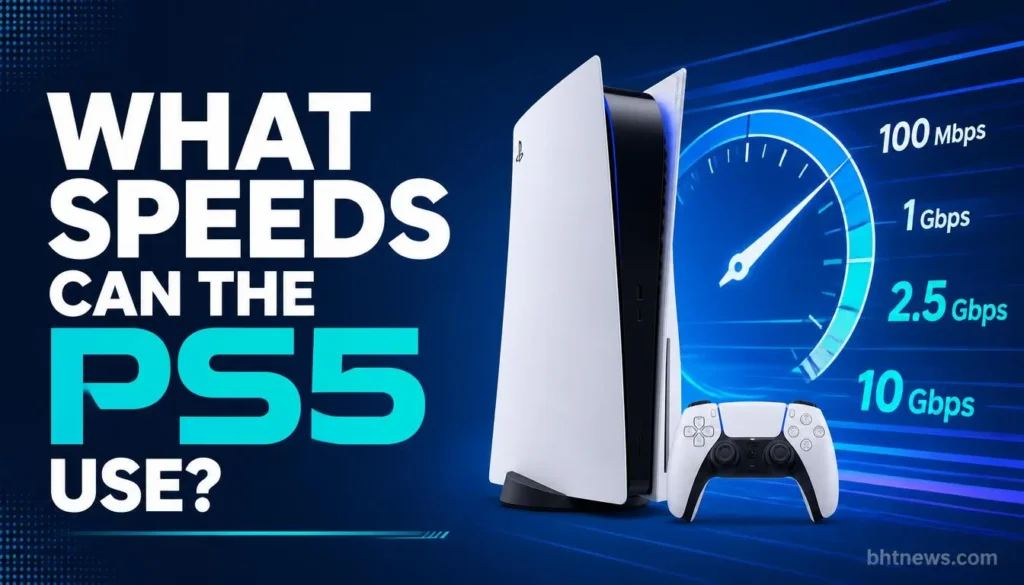
PlayStation’s published specs list the PS5’s Ethernet as 10BASE-T, 100BASE-TX, and 1000BASE-T, so gigabit is the cap.
The PS5 Pro’s official specs list the same (VGC’s report on the official PS5 Pro specs). The Pro also adds Wi-Fi 7.
Gigabit means about 1,000 Mbps, or around 125 MB per second if everything lines up perfectly. In reality, speeds are always lower.
For most people, the limiting factor isn’t the cable; it’s their internet plan. If you’ve got a 300 Mbps plan, no cable is going to push past that limit.
Which Ethernet Cable Category Do You Need For PS5?
| Category | Rated bandwidth | Fine for PS5? | Notes |
| Cat5e | 100 MHz | Yes, for a gigabit port | Supports gigabit over the standard 100 m channel; an older design, so check the cable is in good shape. |
| Cat6 | 250 MHz | Yes, the sensible default | Same gigabit result as Cat5e for a PS5; at 10 Gbps it reaches only about 55 m. |
| Cat6a | 500 MHz | Yes, but beyond what the PS5 needs | Built for 10 Gbps over the full 100 m; often thicker and stiffer. |
| Cat7 / Cat8 | Higher | Works, but no benefit | The PS5’s port tops out at gigabit, so the extra bandwidth goes unused. Cat8 is aimed at data centers. |
Bandwidth ratings and the 55 m figure come from the cabling categories as summarized on Wikipedia. “Cat6e” isn’t a recognized standard and has no agreed meaning, so skip cables sold under that name.
Why pick Cat6 over Cat5e? The price difference is barely there, and Cat6 gives you some wiggle room if you want to use it with a faster PC or switch in the future.
Don’t buy Cat6 thinking your PS5 will run faster; it won’t. Claims that Cat6 lowers latency usually come without test data, and a gigabit port can’t use the extra bandwidth anyway.
How Long Can an Ethernet Cable Be?
For gigabit speeds, the standards say up to 100 meters (about 328 feet), including any patch cords. In the real world, you’ll probably need just a few meters.
The 55 m limit you may see for Cat6 applies to 10 Gbps, not gigabit.
Tips:
- Buy a bit longer than your straight-line measurement. You want some slack for corners, and pulling a cable tight can damage it.
- Longer isn’t automatically slower for home setups, so just pick the length you need.
- If you’re running cable through walls or outside, grab something rated for in-wall or weatherproof use. Don’t use a regular patch cord for that.
What to Look For (and What to Skip) When Buying
- Solid copper conductors are the way to go. Avoid copper-clad aluminum (CCA) cables. The TIA cabling standard requires copper conductors for Cat-rated cable, so a CCA cable can’t legitimately be labeled Cat5e or Cat6. CCA also has higher resistance and is more brittle. For home use, the fire risk looks low, but there’s no reason to take the chance (Hackaday’s overview of CCA cables).
- The cable should say “CAT5e” or “CAT6” right on its jacket. Any cable without markings is a gamble.
- Connectors matter. Each end should click snugly into the PS5 and router. Loose or cracked clips cause dropouts all the time.
- Cable shape depends on where it’s running. Flat cables tuck nicely along walls, round ones are more common and sometimes tougher. Either shape works for gigabit as long as it’s a proper Cat5e or Cat6 cable. Shielding only matters if you’ve got heavy electrical interference nearby; most home setups don’t need to worry.
- Skip gold-plating hype, “gaming” logos, or Cat8 upcharges. None of that boosts PS5 performance.
I’m not naming brands or linking prices; those change constantly. The checklist above works for any decent cable.
How to Hook Up Your PS5 With Ethernet
According to PlayStation support, here’s what to do:
- Plug one end of the Ethernet cable into the LAN port on the back of your PS5, and the other into your router or switch.
- Go to Settings > Network > Settings > Set Up Internet Connection.
- Choose Set Up Wired LAN, then Connect.
- Follow any on-screen prompts, such as signing in to your PlayStation account.
The PS5 supports IPv6, but not IPv6-only networks. Advanced Settings can tweak IP address, DHCP hostname, DNS, MTU, or proxy. If your router’s set to IPv6-only, change it to allow IPv4.
Why Is My PS5 Still Slow on Ethernet?
Rarely because of the cable. Try these steps:
- Double-check that the console’s actually using wired and not Wi-Fi. It’s easy to overlook after a new setup.
- Run a speed test on your PS5’s browser, then try the same thing on your PC. Don’t be surprised if the numbers are different; devices can get different speeds on the same network, and just switching cables isn’t always the cure. Some folks experiment with different DNS servers (like 8.8.8.8, 8.8.4.4, or 1.1.1.1), but no guarantee fixes anything.
- Try swapping to a different cable or plugging into another port on your router; you might have a bad cable or a flaky port.
- Restart both your router and your PS5. Double-check that your internet speed is what you’re actually paying for.
- Pause and resume your downloads; sometimes PlayStation’s servers are just slow.
- If nothing helps, reach out to your ISP or PlayStation support.
Quick math: Downloading a 50 GB game at a steady 500 Mbps takes around 13 minutes. At 1 Gbps, it drops to about 7 minutes. But honestly, real downloads rarely keep up that pace.
Ethernet vs Wi-Fi 7 on PS5 Pro
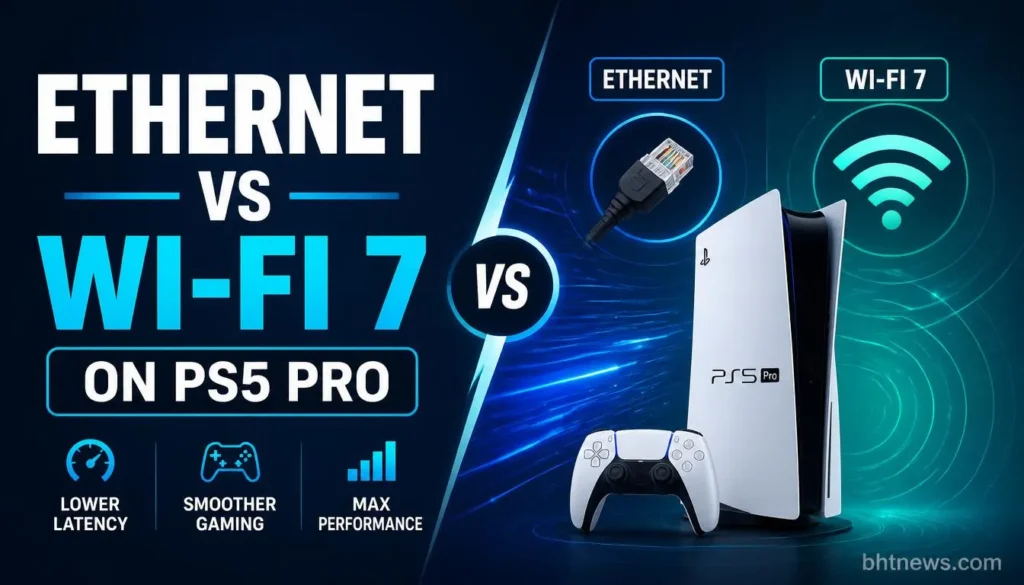
NETGEAR claims Wi-Fi 7 “can outperform traditional wired Ethernet connections,” but the same page says “many gamers prefer the reliability of a dedicated Ethernet connection.” It’s a marketing page and cites no tests for its performance claims.
It also says you’ll need at least 50 to 100 Mbps for PS5 Pro gaming and 4K streaming, and suggests 500 Mbps for households with other devices (NETGEAR).
Bottom line: if your PS5 sits near the router and your Wi-Fi is solid, you might not need a cable. But if it’s across the house, behind a TV, or in a crowded Wi-Fi zone, wired removes that guesswork.
Wired is usually more consistent, but treat latency numbers you see quoted online with caution, since they’re often published without test data.
Wrap-up
For PS5 Ethernet, just grab a good Cat6 or Cat5e cable at the right length. That’s all you need. The port can’t go faster, and the cable is seldom the issue if downloads are slow.
If you’re seeing sluggish speeds, check your router, DNS, or internet plan before blaming the cable.
Before you buy, check if your PS5’s already hooked up wired, and run its speed test. If things look slow or you’re still on Wi-Fi, try a cable and compare.
(Just general advice here, not pro networking help. Specs come from PlayStation’s published information and the sources listed below, and PS5 hardware or menus can change over time; if you’re ever unsure, ask PlayStation support. No affiliate links included.)
Frequently Asked Questions
Is Cat6 better than Cat5e for PS5?
Not in terms of speed. Both do gigabit over typical house distances, and the PS5’s port stops at gigabit. Cat6 just gives you a bit more flexibility if you want to reuse the cable.
Do I need Cat8 for PS5?
No. Cat8 is for data centers, not homes. The PS5 can’t use its extra speed, since its port stops at gigabit.
Does Ethernet reduce lag on PS5?
It can help, mostly by eliminating Wi-Fi drops and interference. Latency figures quoted online often come without test data, so don’t expect a specific number. Your net connection and game servers matter more.
How long can the cable be?
Up to 100 meters for gigabit, including patch cords. Most home setups need a lot less, so pick a length that fits your route with some slack.
Does the PS5 come with an Ethernet cable?
Typically not. The usual in-box items are the console, a controller, the base, an HDMI cable, a power cord, a USB cable, and paperwork (TechRadar’s box-contents list). An Ethernet cable isn’t on that list, so check your box and plan to buy one.
Is a flat Ethernet cable okay for gaming?
Yep, as long as it’s rated Cat5e or Cat6 and the ends are solid. Flat cables are easier to hide; the category decides speed, not the shape.
Wondering why your PS5 is slower on Ethernet than Wi-Fi?
Most of the time, it’s not the cable. Check your settings to make sure you’re set up for wired, try another cable and router port, and maybe test out a different DNS. If speeds are still bad, it’s time to call your ISP.